
Magic Photo Lab Effect1.5 - Google Play
You'll be able to see results in few seconds.
Publisher Description
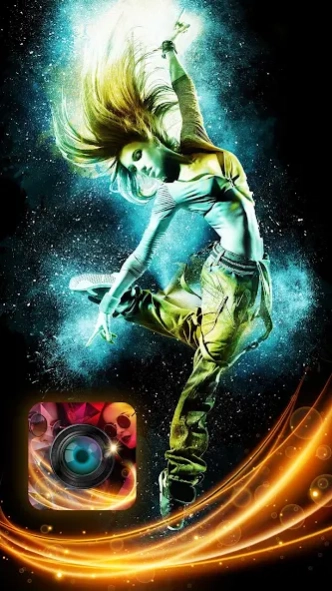


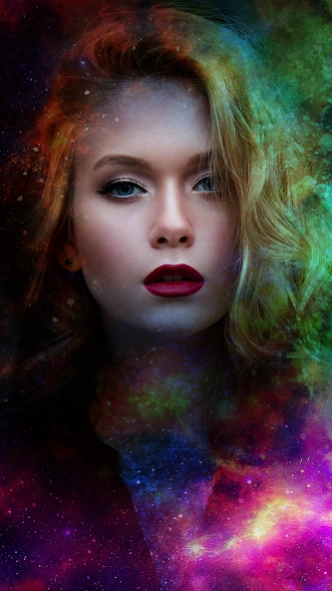
Magic Photo Effect contains Realistic photo effects, Face photo montages.
->You can feel Rain, Snow, falling leaf, love on your photo. Create flower and bokeh
overlays on your photos and make your captured moments mesmerized.
->Edit your photo instantly with this Awesome powerful Magic Photo Effect app, which is
one of the best photo editing tool in android. Get the best photography art in your photos
with large number of amazing photo effects. Magic Photo Effect has variety of bleeding
pixels in various styles like Photoshop Shattering Effect.
->Using Magic Photo Lab couldn’t be more simple – all of the tools are easily available at
your fingertips and all editing happens in real-time. Use the brushes to freely edit your
photos with stunning effects and apply some of the world’s most beautifully designed
filters and borders. Magic Photo Lab gives you the creative editing tools you have always
wanted. Once you've finished, save and share your photos to your favourite services.
->Magic Photo Lab boasts one of the vastest collections of stylish and funny photo
effects: more than 800 effects to date! Fantastic face photo montages, photo frames,
animated effects, and photo filters are here for you to enjoy.
->Magical Effects Photo Editor is a best application to edit your photo in magical way. With
using this application you can add fabulous effects on your photo.
->Magical Photo Effect contains Realistic photo effects, Face photo montages, Photo
filters, Photo collages, Neural Art Styles, many Photo Frames,Photo Lab Pic Art, many
effects and many other functionalities that you may never heard.
->You can make your best selfie using this Effects. We have added more then 50+ effects
like Autumn, Twin, Contrast, Pencil, DSLR effects, Blackout, Engrave, Smart Blur,
Desaturate, Border, Desert, Draft, Displace, Reflection, G & B, Shadow, Ghost, Lomoart, R
& B, Emboss, R & G, Bokeh Overlays, Drops, Saturation, Sharpen, ThePast, Oil-Paint,
Swap, Snow, Polaroid, Oval, Light, Sharp, Bewitching, FishEye and so on..
-: Key Features :-
- Adjust color, add effects, frame, clone and draw on your photos
- 30+ handcrafted effect brushes to edit any part of your photo with a finger. Amazing set
of Animated, Decoration, Effect, Color and Artistic brushes to add unique touch to your
photos
- More than 50 Flower Crown sticker, Heart Crown sticker, cat face sticker, dog face sticker
and heart/bird effect
- 16 carefully designed filters, including amazing spotlight filters
- Gradient fills tools (linear, radial)
- 3D Pixel and Shattering photo effects & layer editing
- Full layer controls with 18 layer blending modes
- Advanced selection tools (marquee, lasso, magic wand)
- 17 beautiful frames gives a final touch to your photos
- Super smooth cropping tool with 5 presets
- Fast and robust adjustments tool let you easily bring out the best in your photos
- Zero-friction design: ability to switch between tools without extra steps
- Direct access to all the albums as well as photos in Facebook
- Studio-grade technology and intuitive interface to inspire new levels of creativity
- Sharing with your friends, family and followers on Facebook, Twitter, Flickr, Instagram
and more social apps
About Magic Photo Lab Effect
The company that develops Magic Photo Lab Effect is Beact Game. The latest version released by its developer is 1.5.
To install Magic Photo Lab Effect on your Android device, just click the green Continue To App button above to start the installation process. The app is listed on our website since 2019-01-23 and was downloaded 0 times. We have already checked if the download link is safe, however for your own protection we recommend that you scan the downloaded app with your antivirus. Your antivirus may detect the Magic Photo Lab Effect as malware as malware if the download link to com.sworld.magicphotolab is broken.
How to install Magic Photo Lab Effect on your Android device:
- Click on the Continue To App button on our website. This will redirect you to Google Play.
- Once the Magic Photo Lab Effect is shown in the Google Play listing of your Android device, you can start its download and installation. Tap on the Install button located below the search bar and to the right of the app icon.
- A pop-up window with the permissions required by Magic Photo Lab Effect will be shown. Click on Accept to continue the process.
- Magic Photo Lab Effect will be downloaded onto your device, displaying a progress. Once the download completes, the installation will start and you'll get a notification after the installation is finished.
Program Details
System requirements
Download information
Pricing
Version History
version 1.5
posted on 2019-01-23
Disclaimer
Official Google Play Link
We do not host Magic Photo Lab Effect on our servers. We did not scan it for viruses, adware, spyware or other type of malware. This app is hosted by Google and passed their terms and conditions to be listed there. We recommend caution when installing it.
The Google Play link for Magic Photo Lab Effect is provided to you by apps112.com without any warranties, representations or guarantees of any kind, so access it at your own risk.
If you have questions regarding this particular app contact the publisher directly. For questions about the functionalities of apps112.com contact us.
